
 create new ticket
 check ticket status
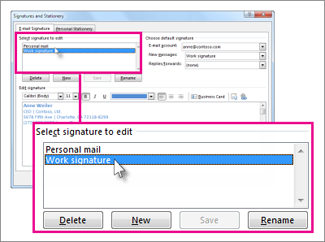
Click File > Options > Mail > Signatures.
Click the signature you want to edit, and then make your changes in the Edit signature box.
When you're done, select Save > OK.
For more information about email signatures or if you haven’t created one yet, see Add a signature to messages.


